Shell · IBM iX · Power BI on Azure
Shell S&OP Right
The problem was never the data. It was visibility.
S&OP Right (internally ReactRight) gave Shell's supply crisis teams component-to-customer visibility in about ten minutes, replacing manual work that took days to weeks. Designed and shipped entirely inside Power BI.
- $1.34MValue delivered, Americas
- ~10 minTo full visibility
- 3,000+Hours saved a year
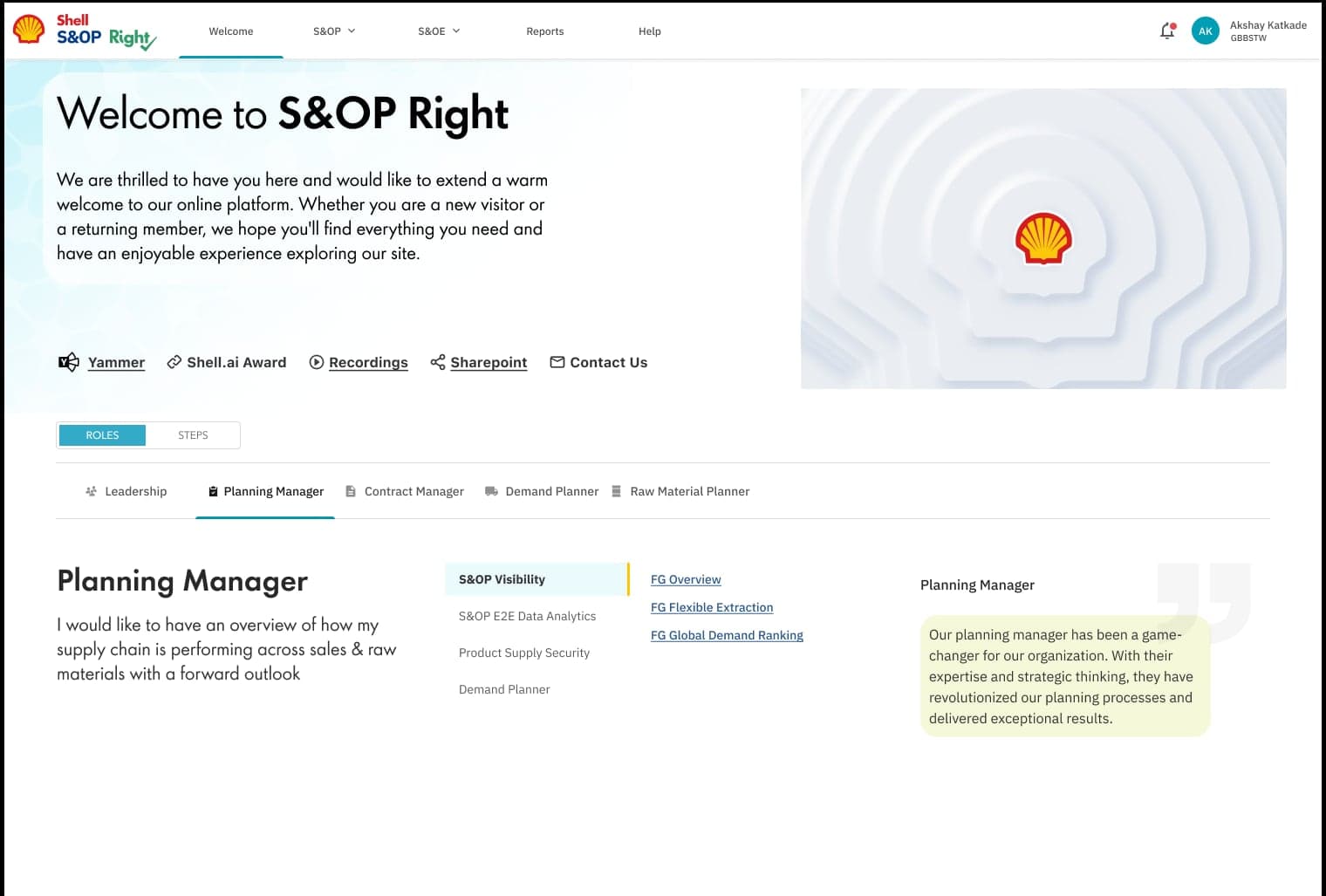
Confidentiality Client work delivered through IBM iX under NDA. Production screens and live data can't be shown. Images are explorations, sketches and wireframes; diagrams are abstractions of the architecture and decision logic as designed. Metrics are as reported by the client engagement team.
01 The moment
A supplier fire. A pandemic's worth of disruptions. Days to see the impact.
In 2019, a fire hit a major additive supplier in Rouen, France. Shortly after, Covid-19 produced the highest volume of supply disruptions Shell had seen, including additive shortages that affected several plants and customer accounts at once. Both exposed the same gap: when something broke upstream, nobody could quickly see what it touched downstream.
Tracing a disruption meant phone calls to plants, emails to sales teams, separate Excel trackers and desktop apps that didn't talk to each other, reassembling the same picture by hand every time.
The Product Owner framed the brief as "we need better visibility." That was accurate. The design question was what kind of visibility, surfaced how fast, and suppressing what.
- 01ComponentAdditives and base oils
- 02Blending plantWhere formulations are made
- 03ProductBill of materials broken down
- 04WarehouseWhere stock sits
- 05CustomerForecast and sales history
The data already existed. Nobody could reach it fast enough.
02 Time as the problem
Where the days actually went.
The bottleneck was never any single system. It was the manual work of joining them: tracing one disruption by hand across five domains. By the time the picture was assembled, it was out of date, and teams were managing fallout instead of cause.
Before · days to weeks
- Day 0Disruption somewhere in the chain
- Days 1+Data pulled by hand: desktop apps, Excel, calls, email
- Days to weeksA picture assembled, already out of date
- Too lateManaging fallout, not cause
After · about ten minutes
- T+0Disruption
- T+~10 minFull chain traced, no manual query
- Time left to act while the cost is still recoverable
Not to scale.
Earning the mandate
The vision came from the Product Owner I worked with. Getting it built meant making the business case first: explaining why this mattered enough to commit engineering effort. The project then moved through an MVP, into a second stage for production use where impact was measured, and kept expanding, with architecture and information architecture rebuilt as new requirements came in.
03 Direction
Three things the system had to do.
How might we
- … surface a disruption's downstream impact before the planner has to trace it manually across five systems?
- … ensure planners see only what needs their attention, not every route that's performing normally?
- … give EMEA and the Americas identical visibility while respecting their units, thresholds and planning conventions?
- 01
Surface before the cost locks in
Show planners the exception while there's still time to act on it. The time between disruption and visibility had to shrink by an order of magnitude.
- 02
Make the chain queryable in seconds
Model component → plant → product → warehouse → customer once, as connected data, so any disruption can be traced without manual joins.
- 03
Suppress what doesn't need attention
A disruption can't be seen if it competes with hundreds of routes performing normally. Hiding the nominal is what makes exception-first possible.
04 The constraint
Power BI was never meant to do this.
Power BI is a reporting tool, not an operations console, and the platform choice was non-negotiable. Shell had invested in it and its teams trusted it. So the job became getting operations-console behaviour out of a reporting platform, honestly, using what Power BI and the Azure stack could actually do.
| Platform limit | What I designed instead |
|---|---|
| No native way to trace a dependency chain across systems | A pre-assembled component-to-customer chain, modelled as connected data rather than joined on demand |
| Manual refresh is the BI norm | DirectQuery, so results update as soon as a scenario is created or refreshed |
| No native scenario input or workflow trigger | A PowerApp scenario builder embedded in the console, triggering Power Automate to run the logic and write results to SQL |
| One global view risks losing regional trust | A metric-selection control: same data, region-appropriate units, defaulting to the user's region |
05 Concepts
Report-first or exception-first.
Needs action
Nominal · suppressed
Silence is the signal that everything else is working.
Report-first (initial assumption)
- Surface everything; planners find exceptions by scanning.
- Familiar, and easy to verify completeness.
- But exceptions get buried, the planner interprets urgency, and load scales with data volume rather than severity.
Exception-first (final direction)
- Suppress everything nominal; surface only what needs a decision.
- Silence becomes a signal: nothing shown means nothing is wrong.
- But it only works if planners trust it, so thresholds had to be defined precisely, per region.
A planner during a live additive shortage
- 01Disruption flaggedA supplier shortage is reported. The planner opens the console; no manual data pull.
- 02Exception surfacedOne exception at the top. Everything nominal is suppressed.
- 03Chain tracedComponent → plant → product → warehouse → customer, pre-assembled.
- 04Impact understoodWhich plants, regions and customer accounts, with severity clear before the meeting.
- 05Decision madeA scenario is created in the PowerApp, an action assigned and logged before the cost locks in.
06 Explorations
What I designed first, and why it couldn't ship.
I started with Shell's own design system: established components, institutional trust, a visual language the organisation knew. When those designs went into Power BI, the platform couldn't reproduce them.
So I stopped trying to make Power BI approximate the ideal and asked what it does well. I explored other visualisation patterns for the dependency chain, then designed deliberately for what it could render under real-time conditions: bar graphs, line charts and diagram-style chain views. A custom build outside Power BI would have broken the DirectQuery pipeline the whole design depended on.
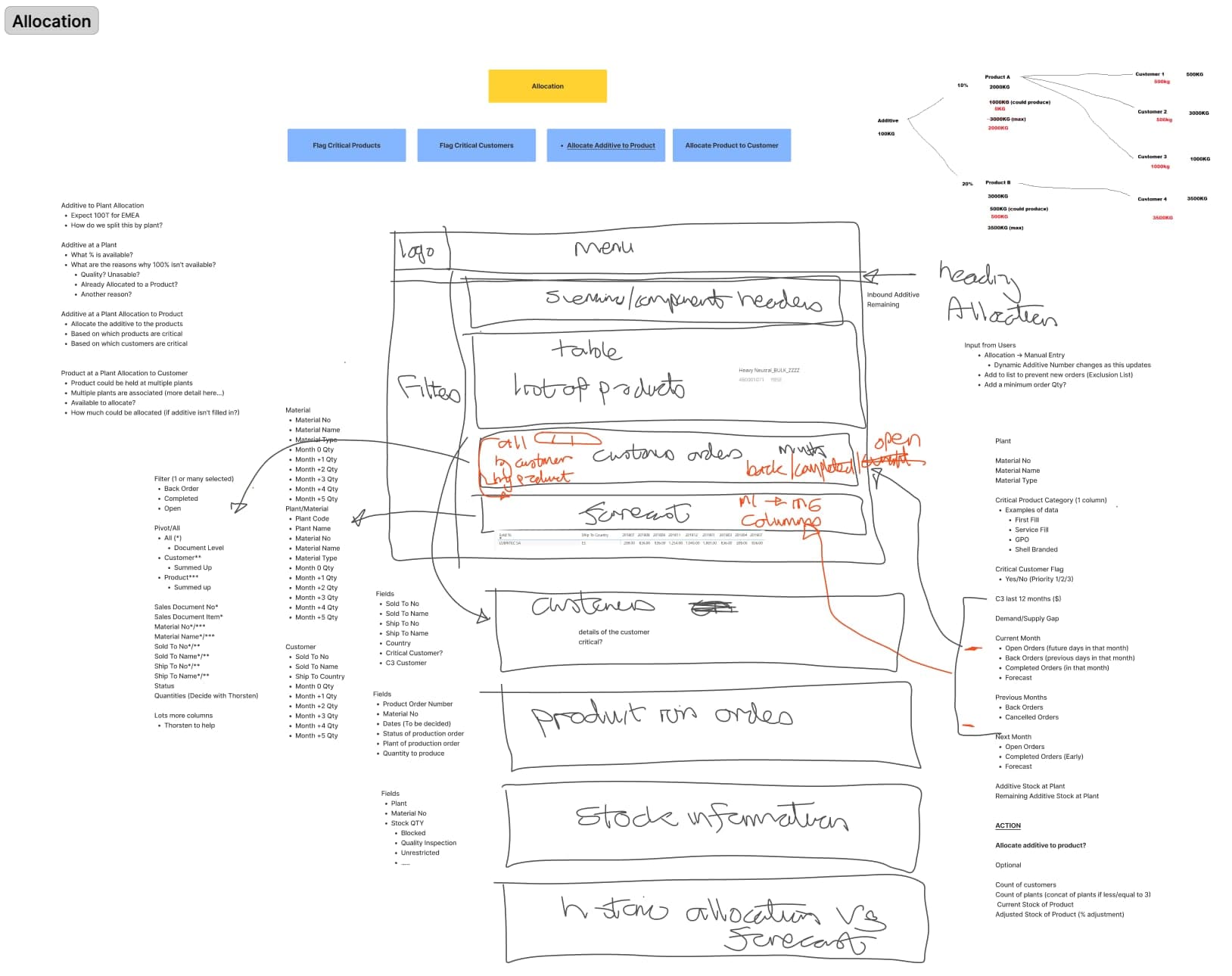
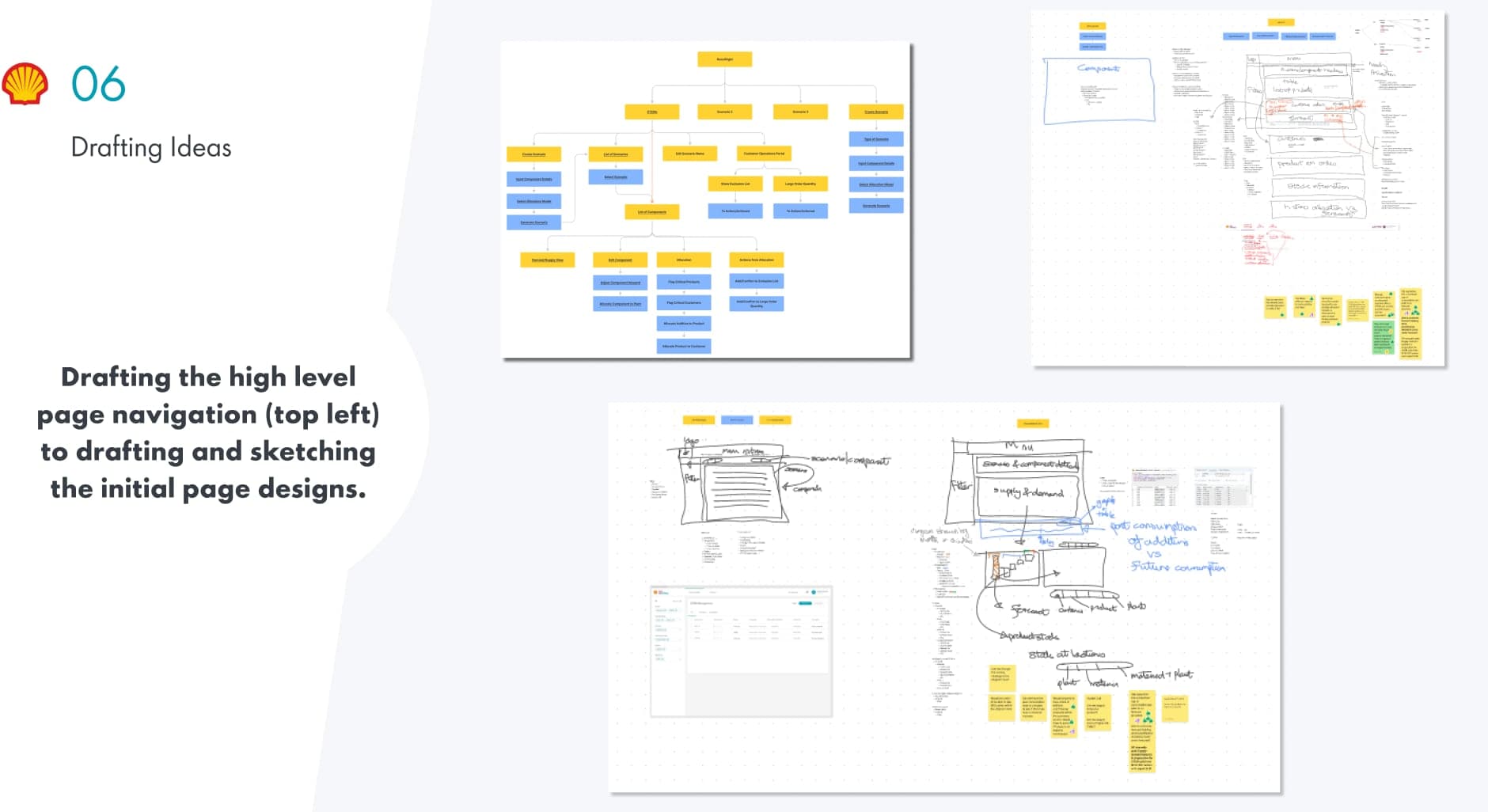
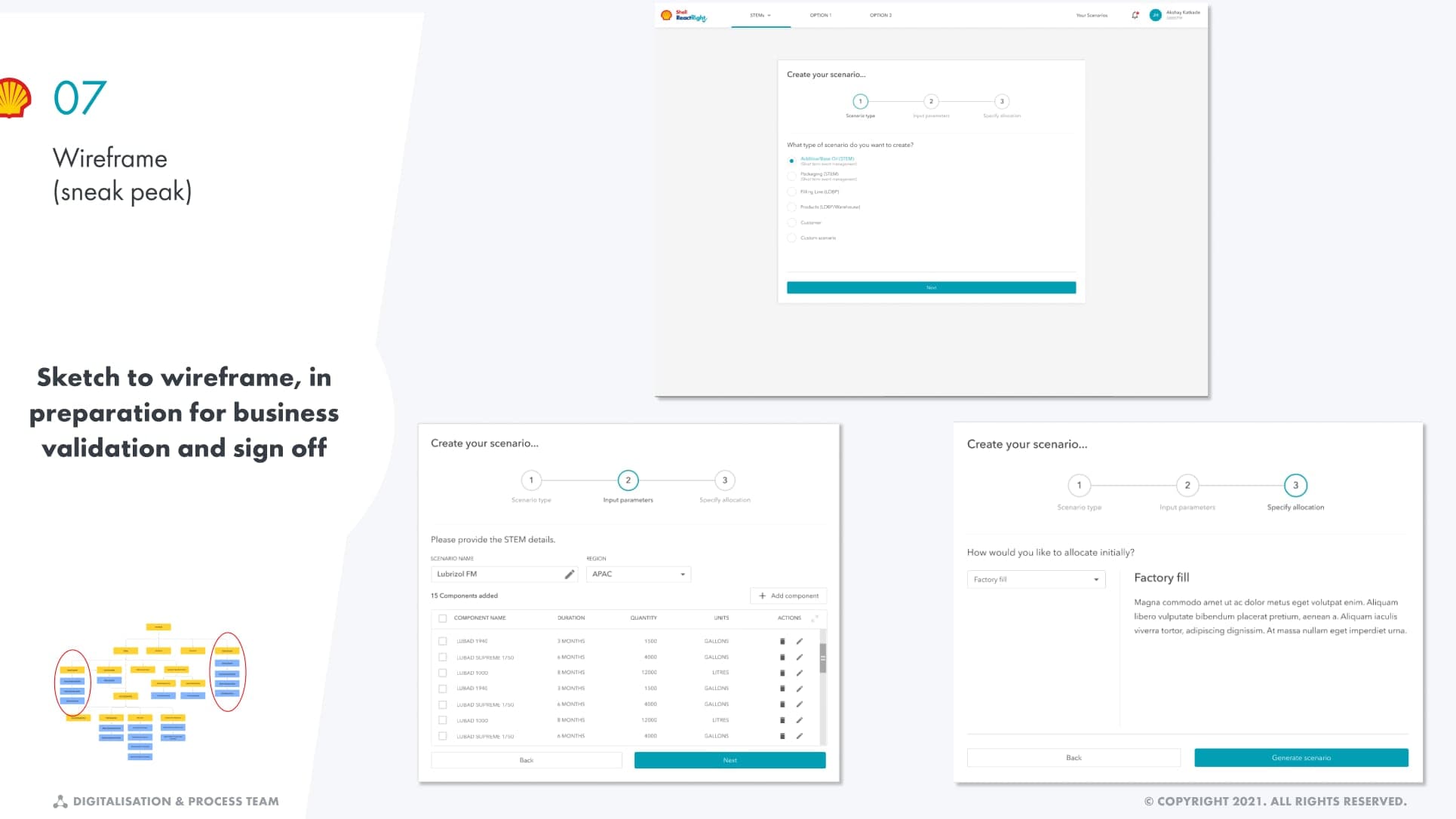
A greenfield tool would have given me more control and been ignored. Adapting to Power BI is why it shipped.
07 Regions
One view, two regions.
Same view, different units
EMEA and the Americas see the same layout with region-appropriate units.
A metric selector
Users choose which metric to see. The default is set per region.
Real-time by design
DirectQuery, so users see current data, not a snapshot.
Scenario builder
A PowerApp scenario builder that triggers Power Automate, feeding results straight back into the same view.
The handoff went to data architects and Power BI developers, not front-end engineers, so the deliverable was closer to a definition of measures, thresholds and conditional logic than to a redline.
08 Measurement
Where the $1.34M comes from.
I didn't calculate it. Shell's business team produced the figure through its own value-tracking process, which is how benefit is attributed on engagements like this: the delivery team builds, the business quantifies. It was reported for the Americas once the tool reached production.
The mechanism is simpler than the number looks. Collapsing days-to-weeks of manual assembly into about ten minutes means disruptions are caught while they're still commercially recoverable, and removing the manual work is where the 3,000+ hours a year come from. Hours saved is the number I'd defend hardest, because it's directly observable.
09 Outcome
What ten minutes was worth.
- $1.34MValue deliveredAmericas, after production rollout
- ~10 minEnd-to-end visibilityDown from days or weeks
- 3,000+Hours saved a yearAcross teams
Value and hours are as reported by the client business team, not estimates I produced.
Recognition and reuse
EMEA SVP Award of Choice
For end-to-end integrated supply crisis management.
Shell.ai Awards 2022
Runner-up.
Logic reused
The warehouse-tracing logic was shared with two other Shell digital products, Falcon and OptimiseRight.
10 Reflection
The constraint was the best thing about this project.
I spent the first weeks quietly resenting Power BI. Every concept I liked ran into something the platform wouldn't do on its own. What changed my mind was noticing that the limitation and the adoption were the same fact: a new tool would have meant procurement, training, and a reason for a planner mid-crisis to open something unfamiliar.
If I did it again, I'd make the case for the tool's broader expansion earlier. And I'd point to this as the difference from a well-run delivery: nobody handed me a fully scoped brief. Turning a vision into funded, shipped work meant earning the mandate at each stage, from MVP to production to expansion.